 Dorris
Look inside a real Dorris.
Every screen is from the app Tim's store runs on. The store is made up, so click anything. Nothing saves.
The desktop version, with every tool
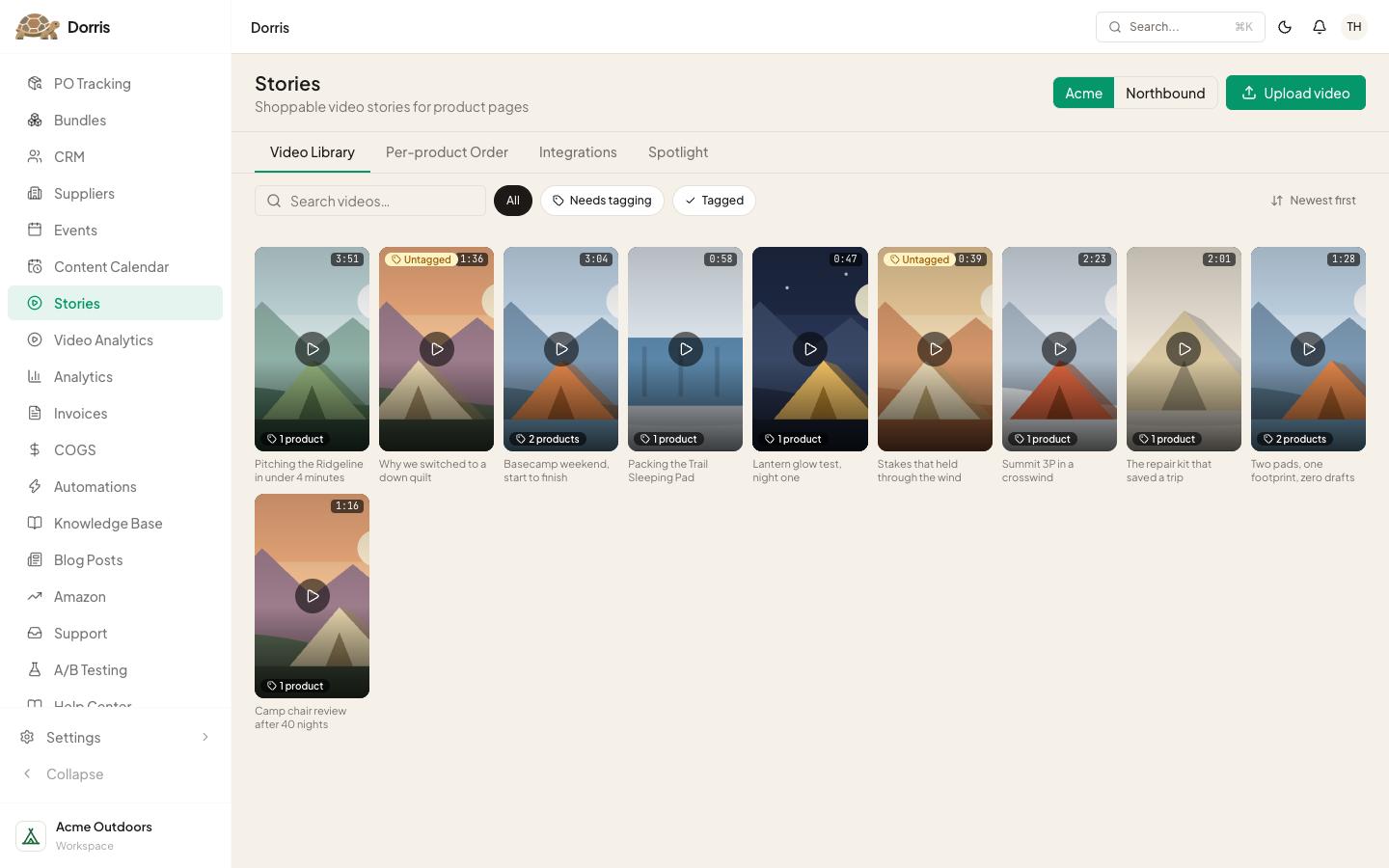
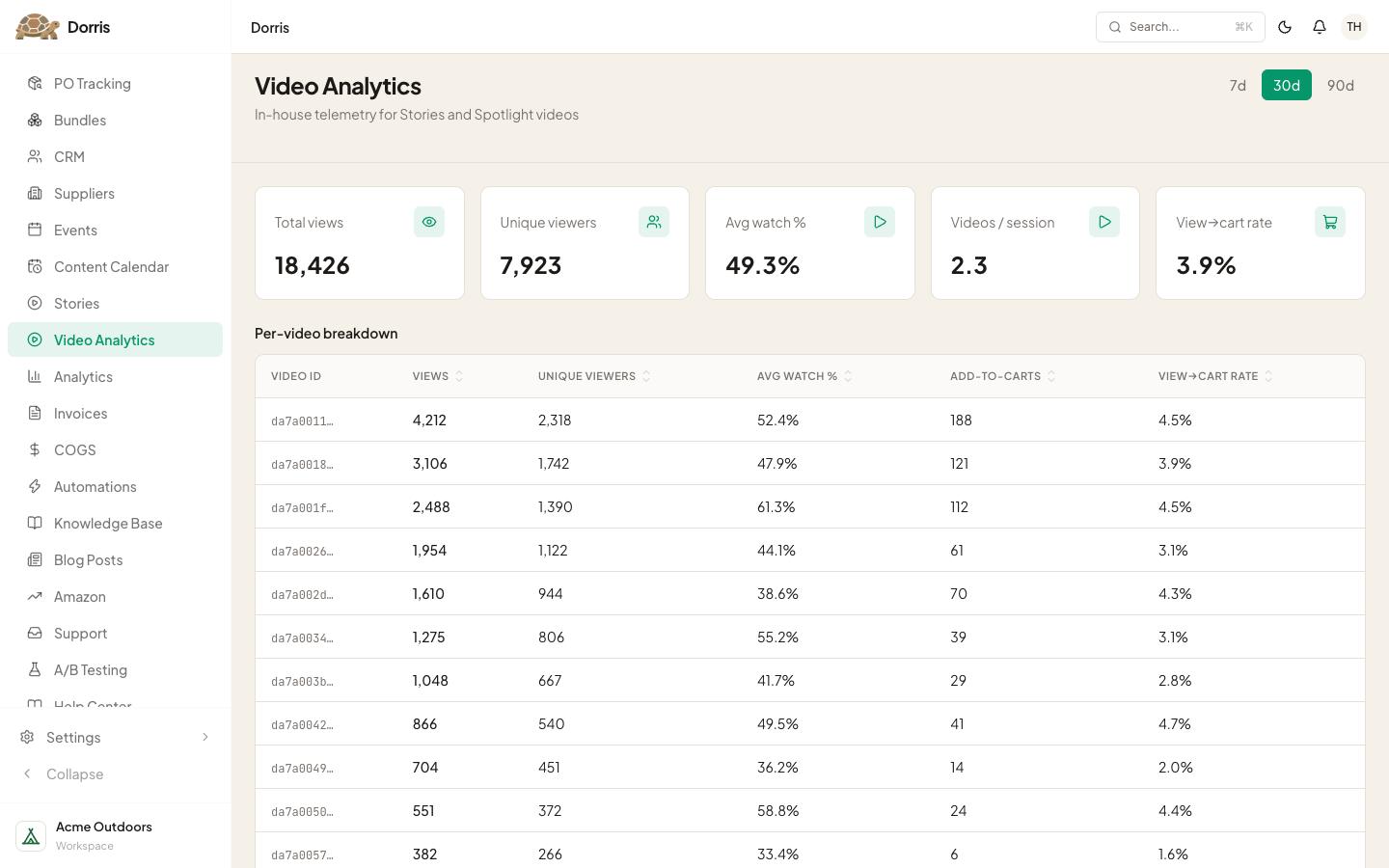
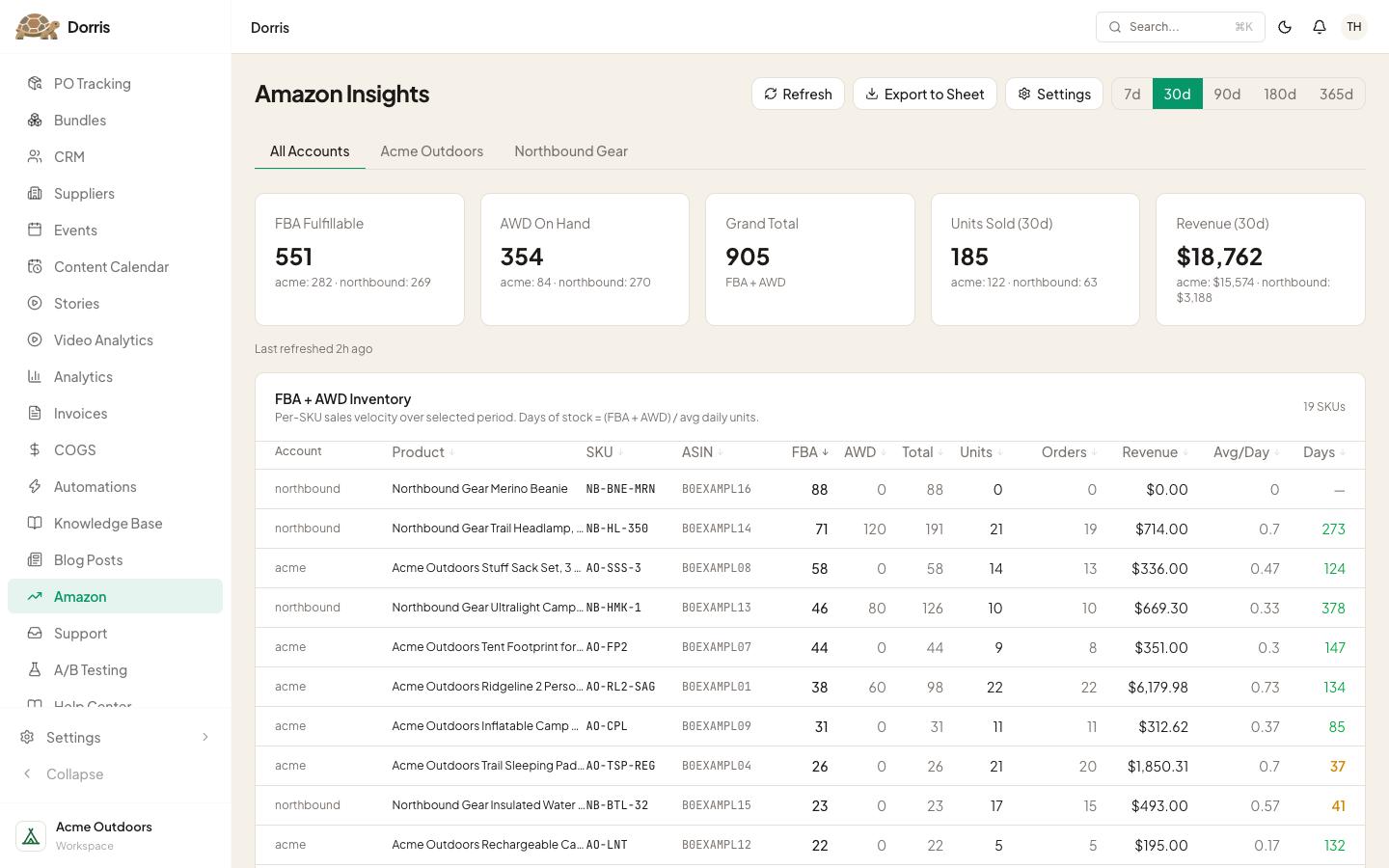
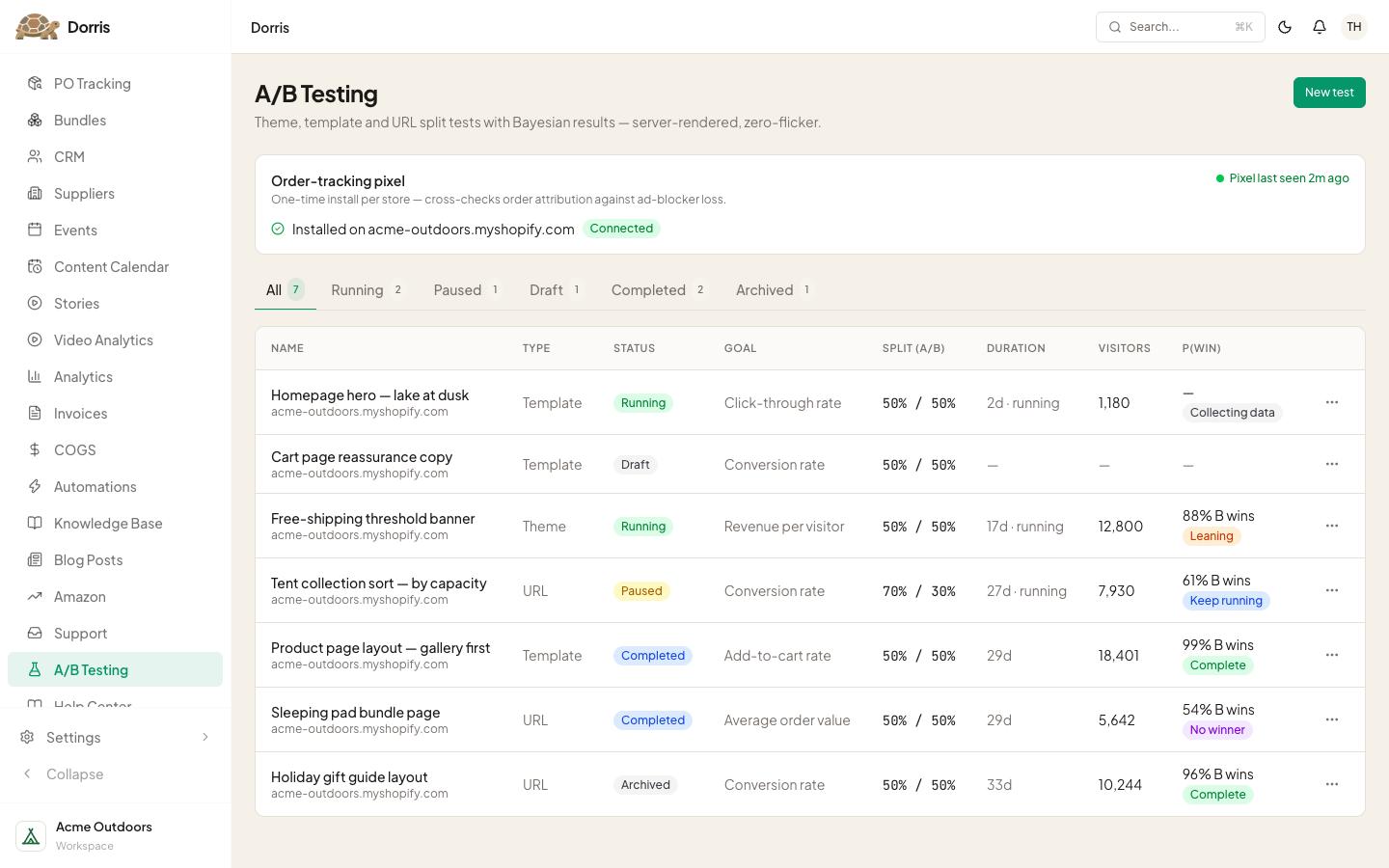
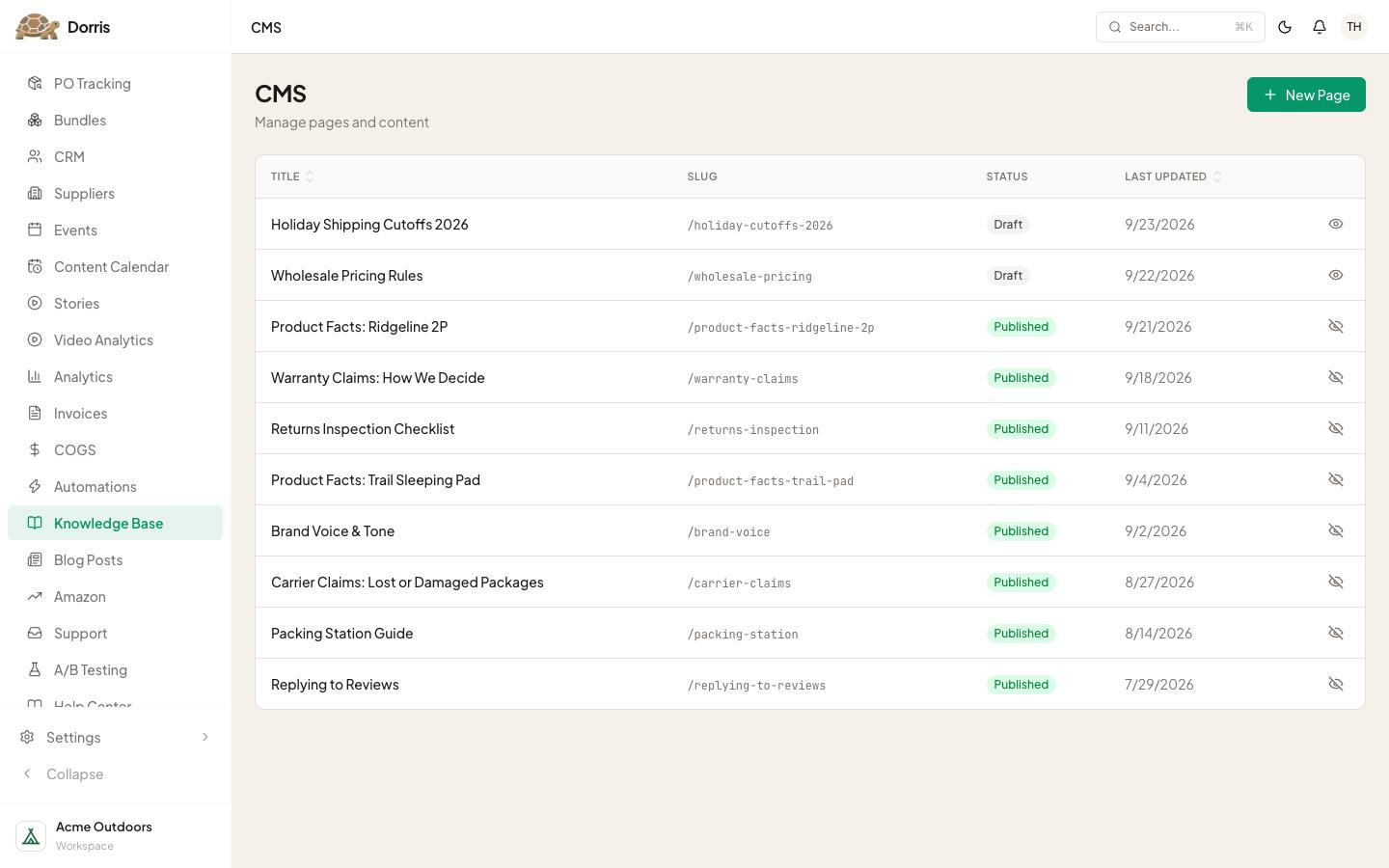
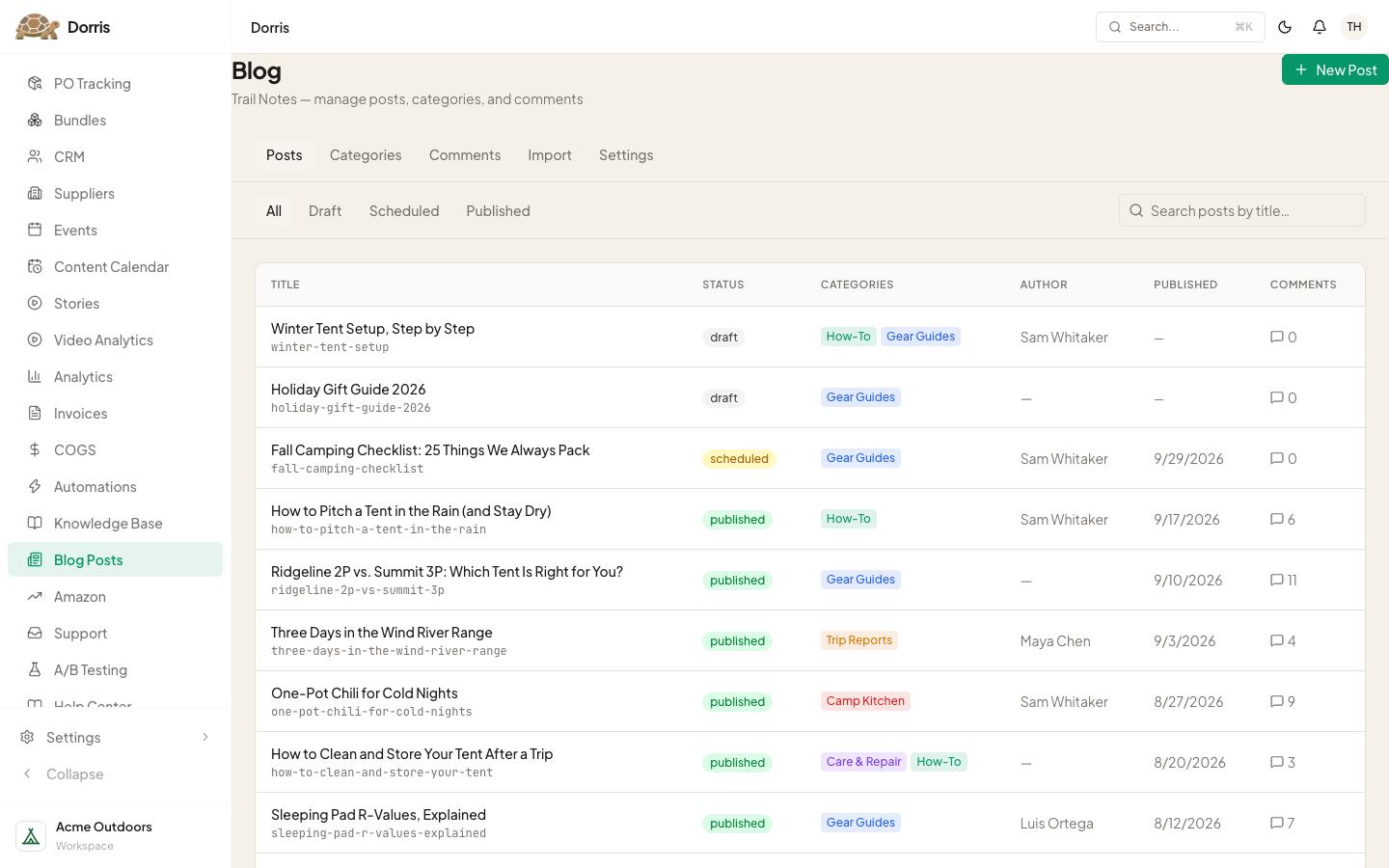
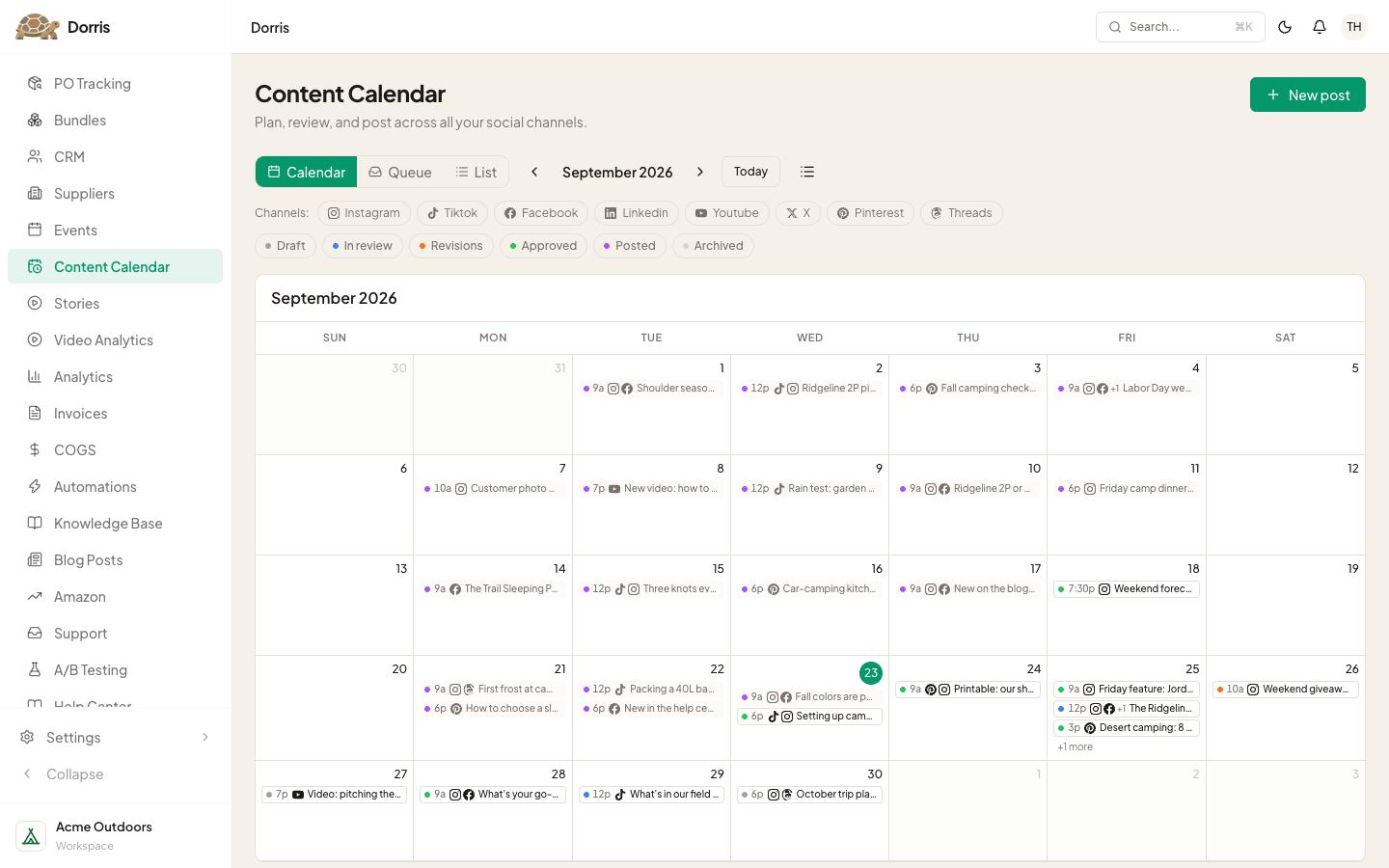
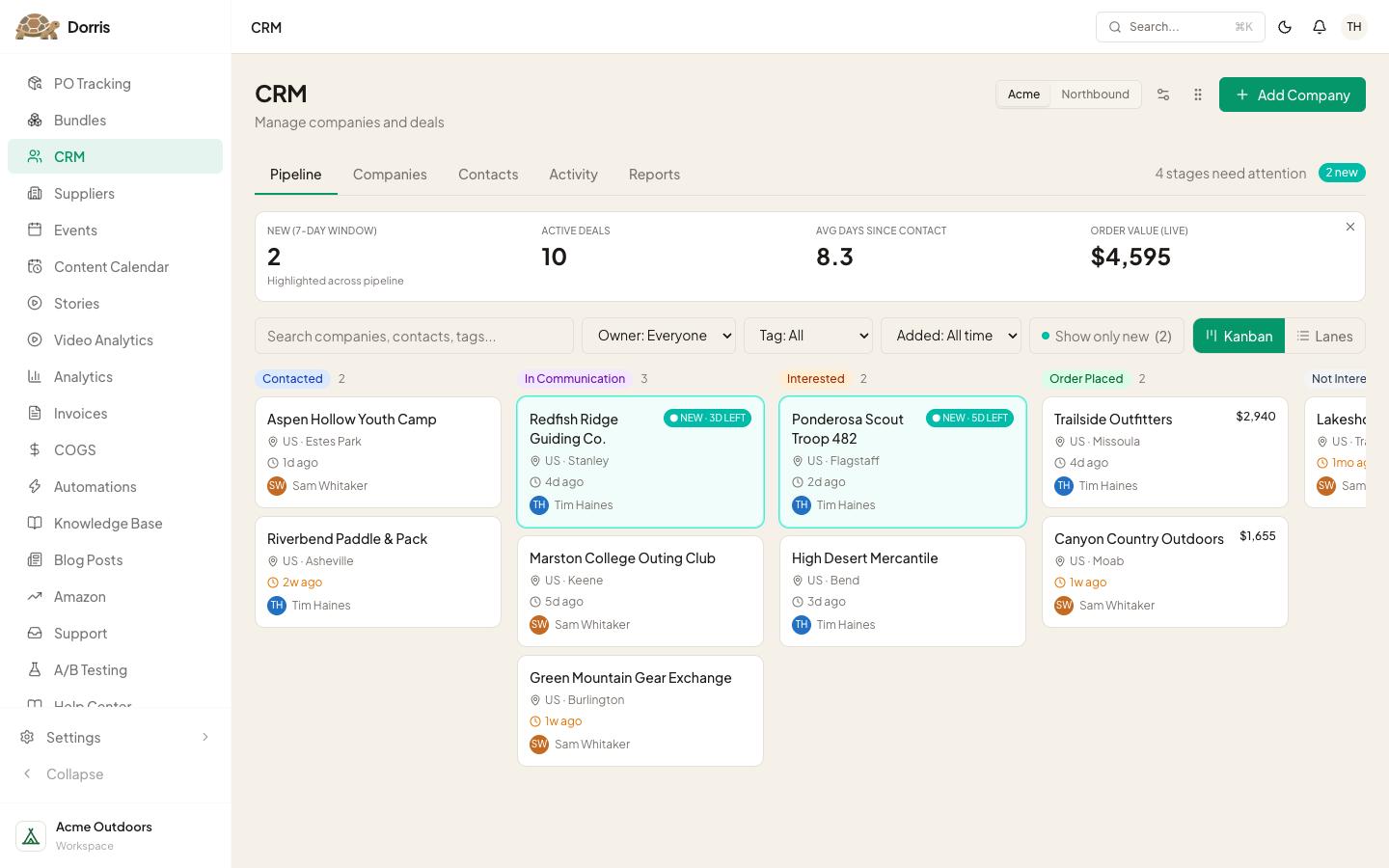
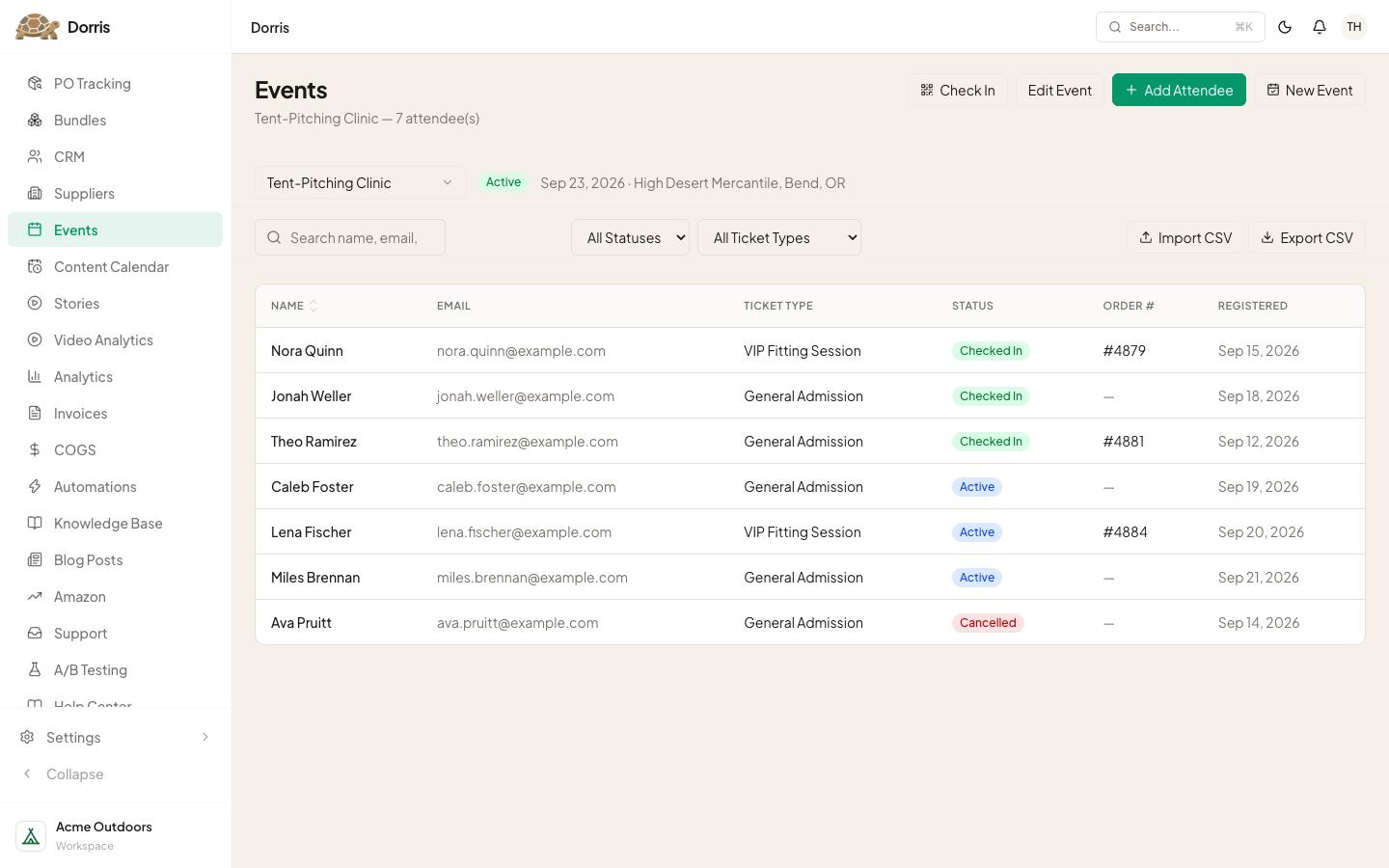
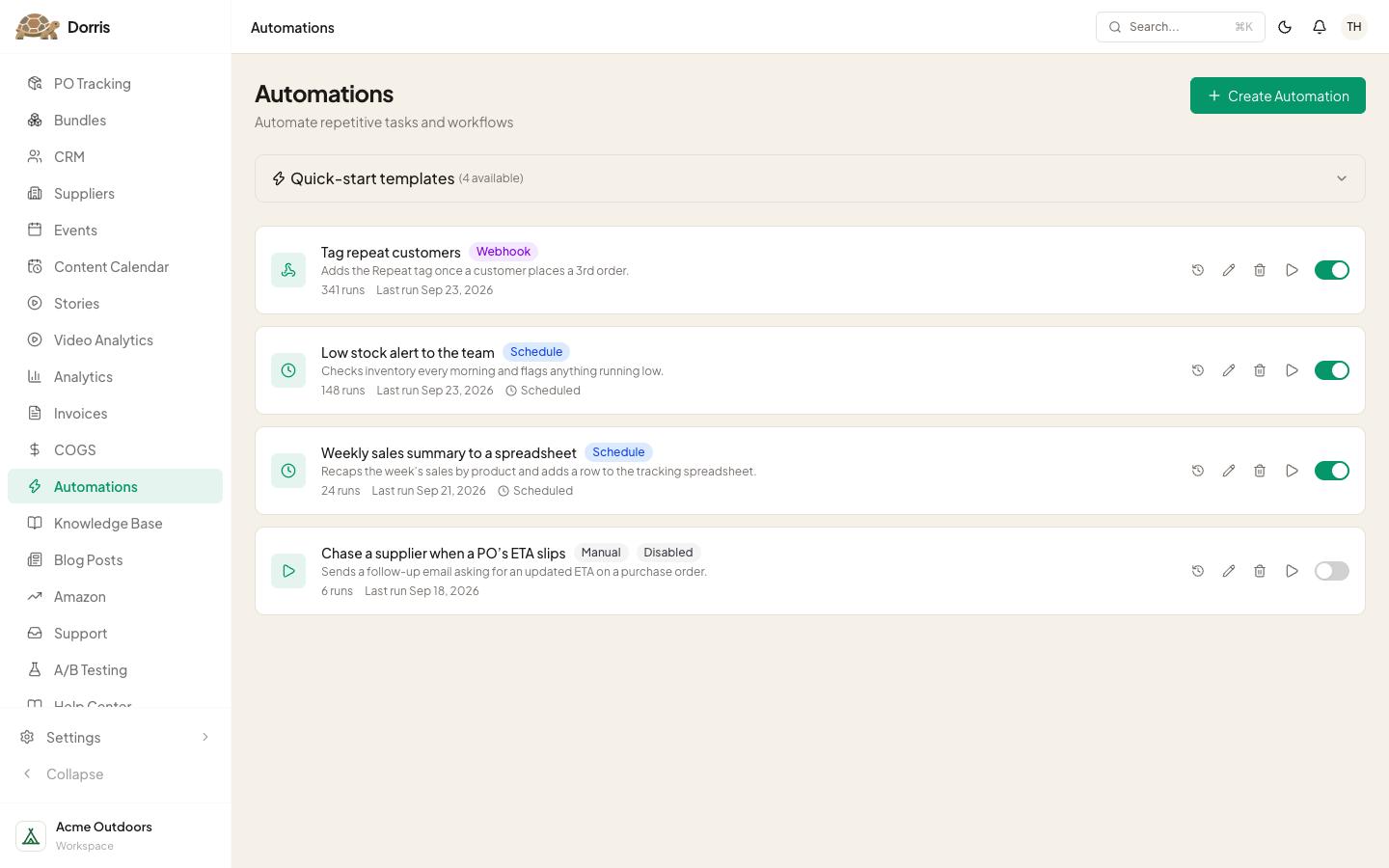
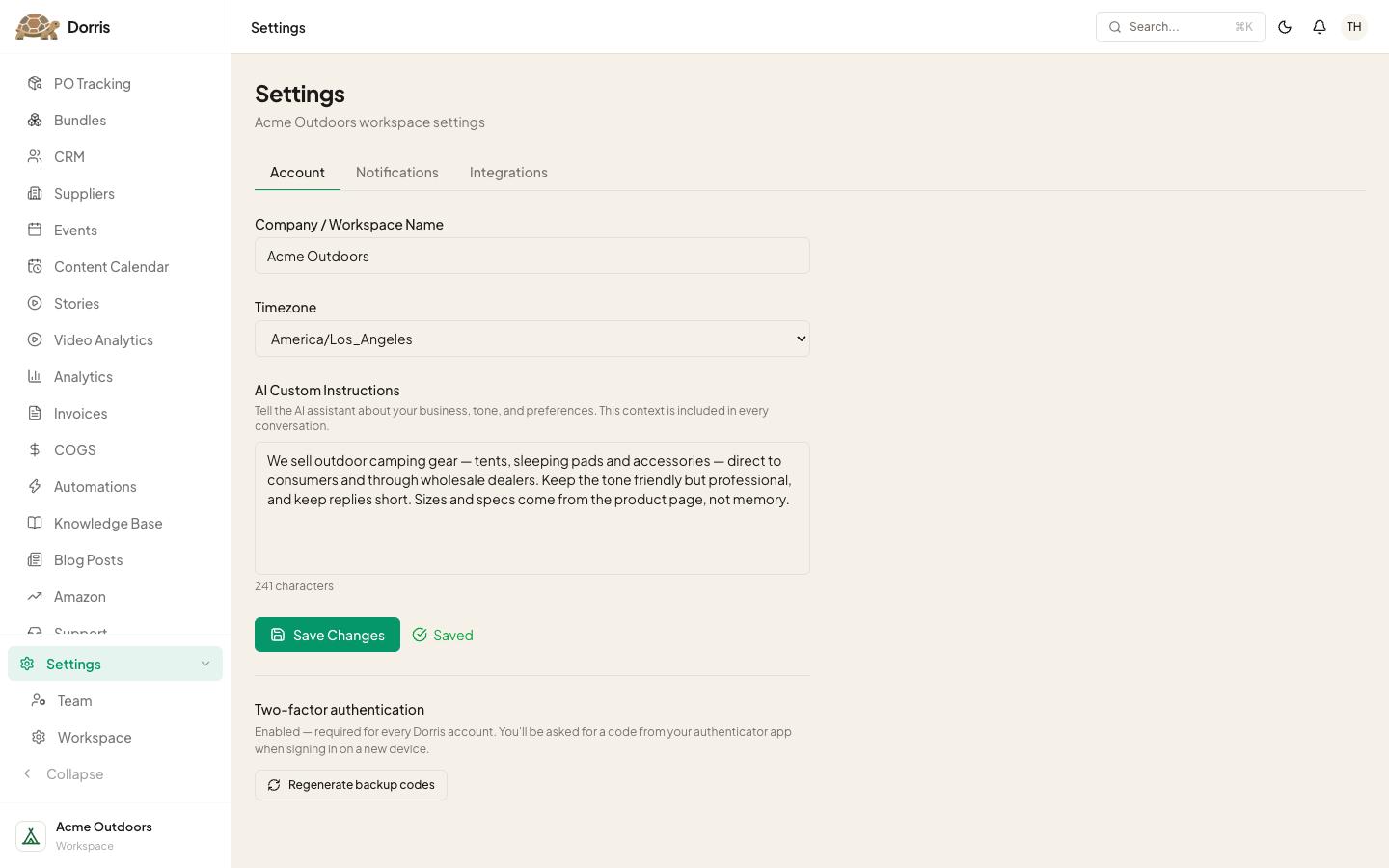
It's made for a big screen, so on a phone you get pictures of it. Open this page on a computer to click around in it.
What you're looking at
Every screen is a copy of one I use: same layout, buttons and tools. The store is a pretend one called Acme Outdoors, and everything in it is made up. Nothing saves.
I don't write code. I directed an AI agent to build all of it, one tool at a time, since April: I say what the business needs in plain English and check what comes back. That's the job you'd be doing.
What the kit gives you on day one
Not all of this. You start with one tool, a support inbox, with a plainer look and no iPhone app. What you build first shows it.
Several of my other tools are in the Library: prompts that have your agent build that tool into your app. Yours ends up with the tools your business needs, called whatever you like.
The ones I'd show you first
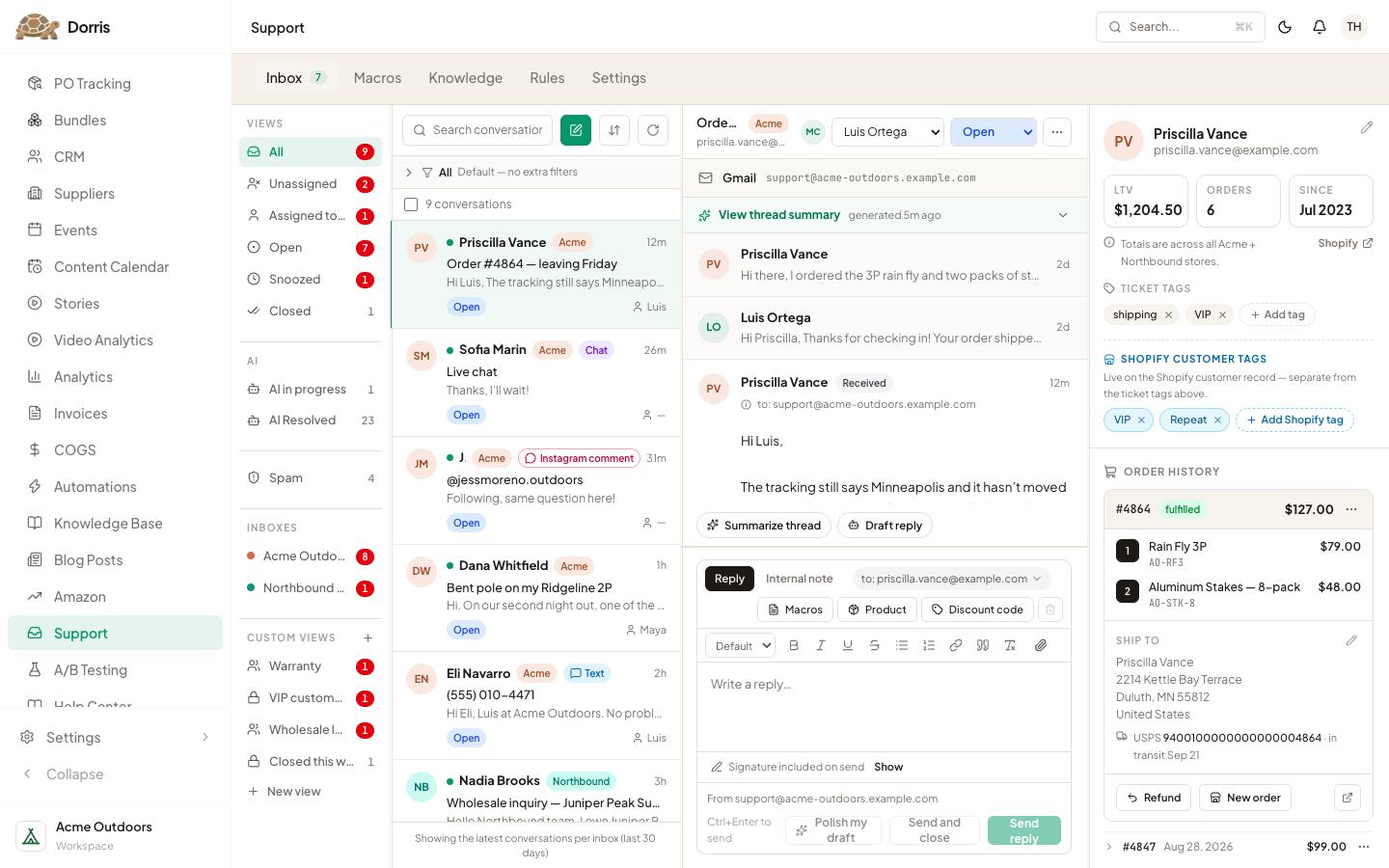
Support
Every customer message in one place, with their orders beside it. It replaced a $6,000-a-year helpdesk.
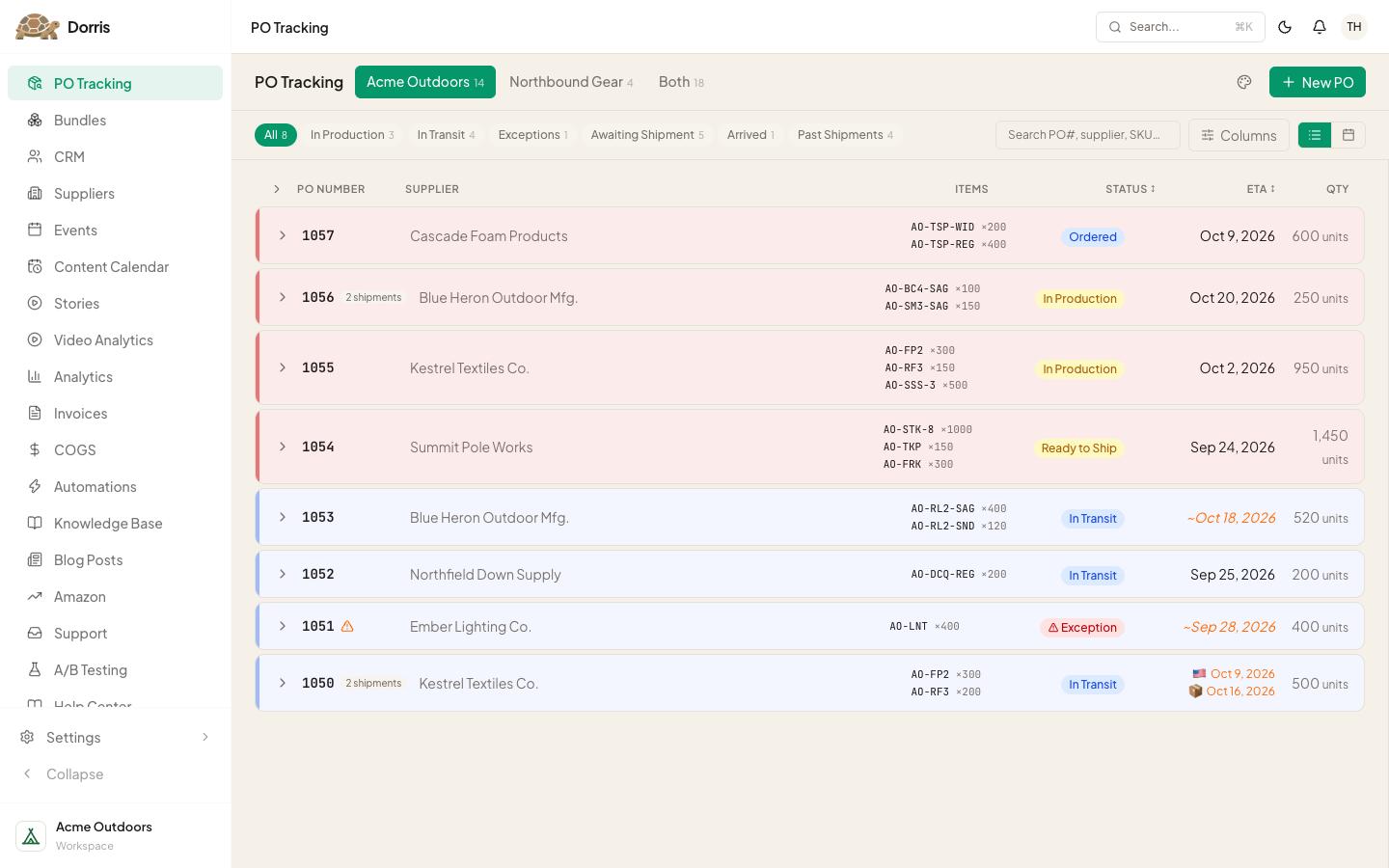
PO Tracking
Built in under a day, for our supply chain manager.
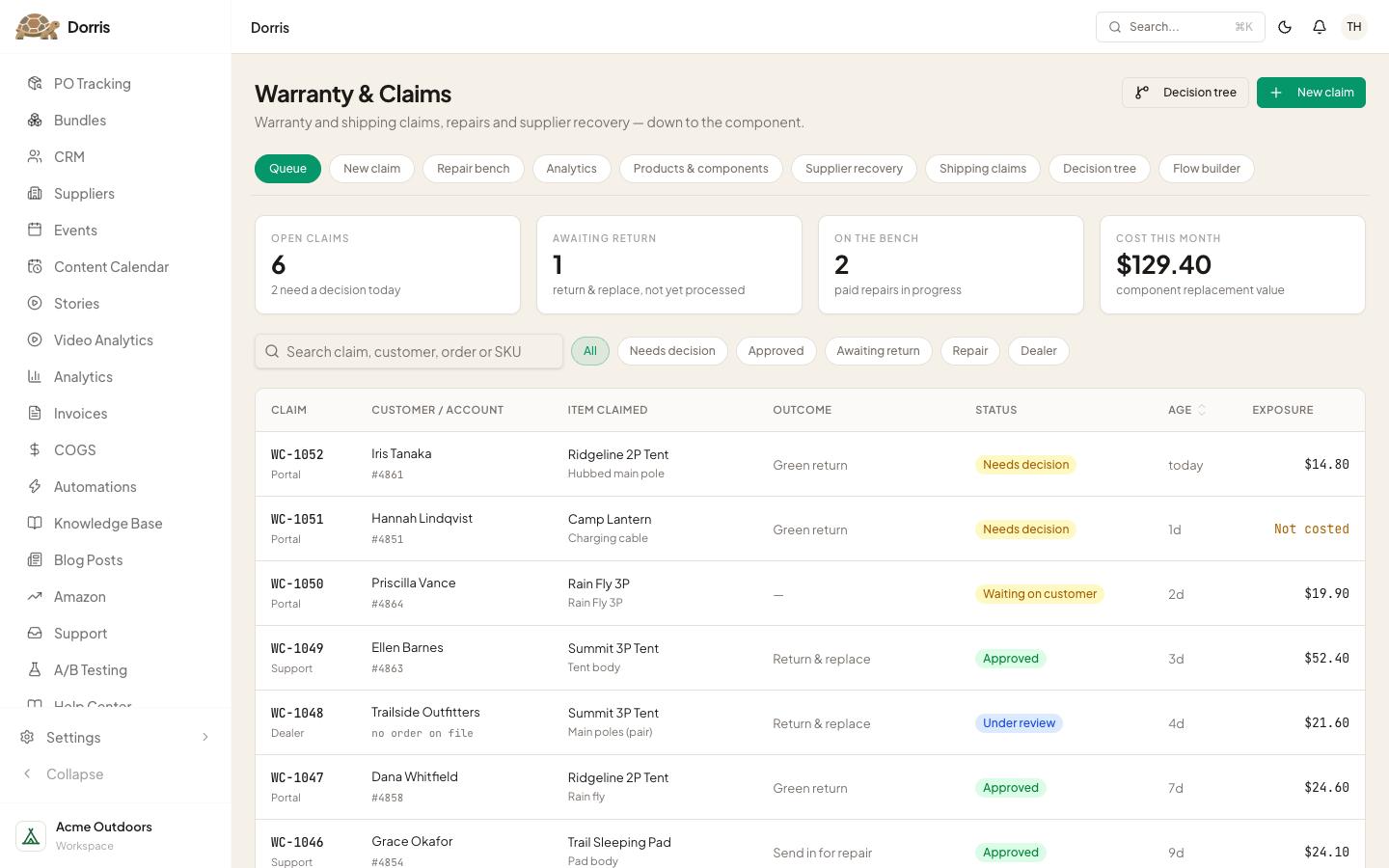
Warranty & Claims
Warranty claims and lost or damaged packages, logged, chased and closed without a spreadsheet.
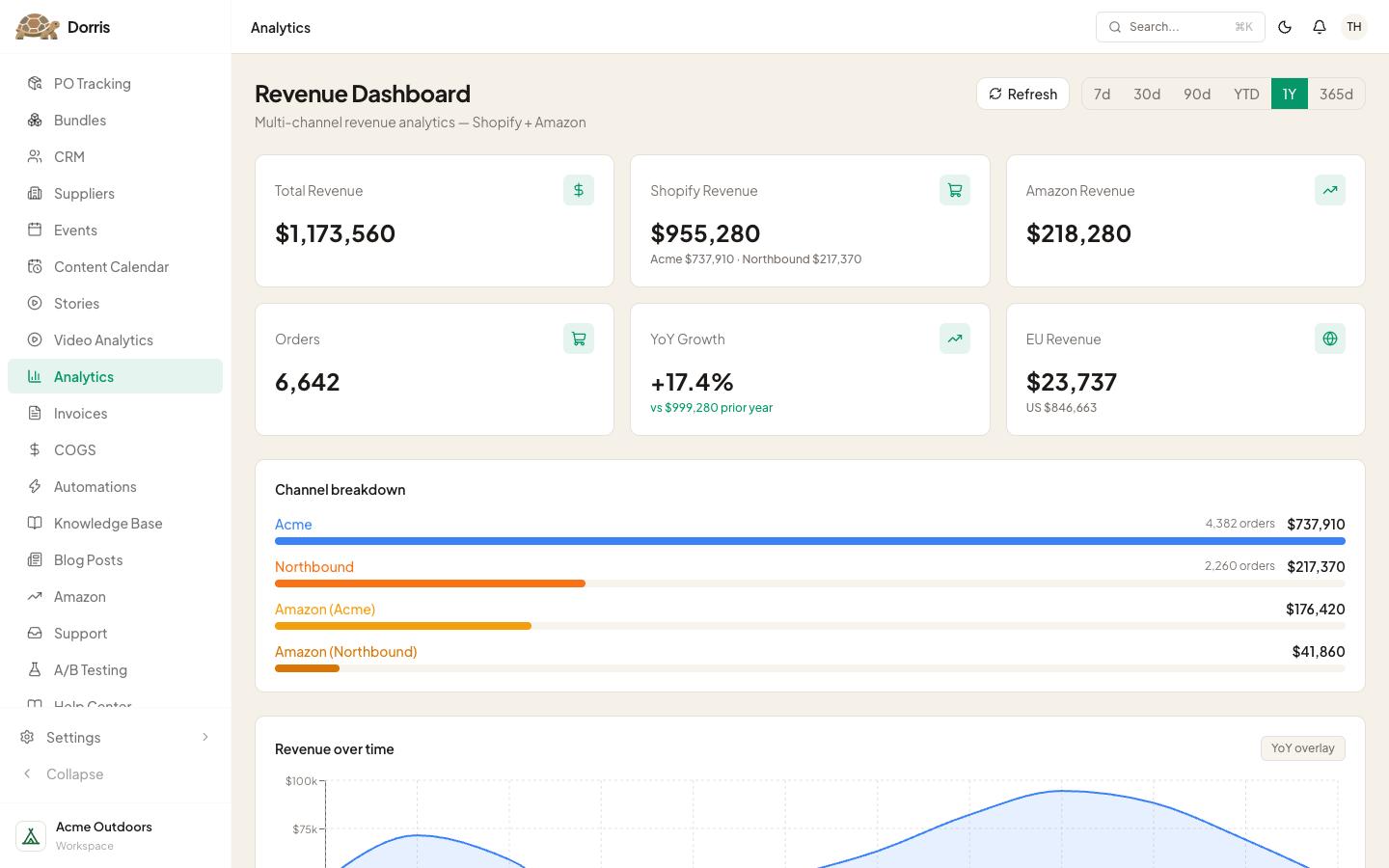
Analytics
Every number in one place, without exporting a single report.
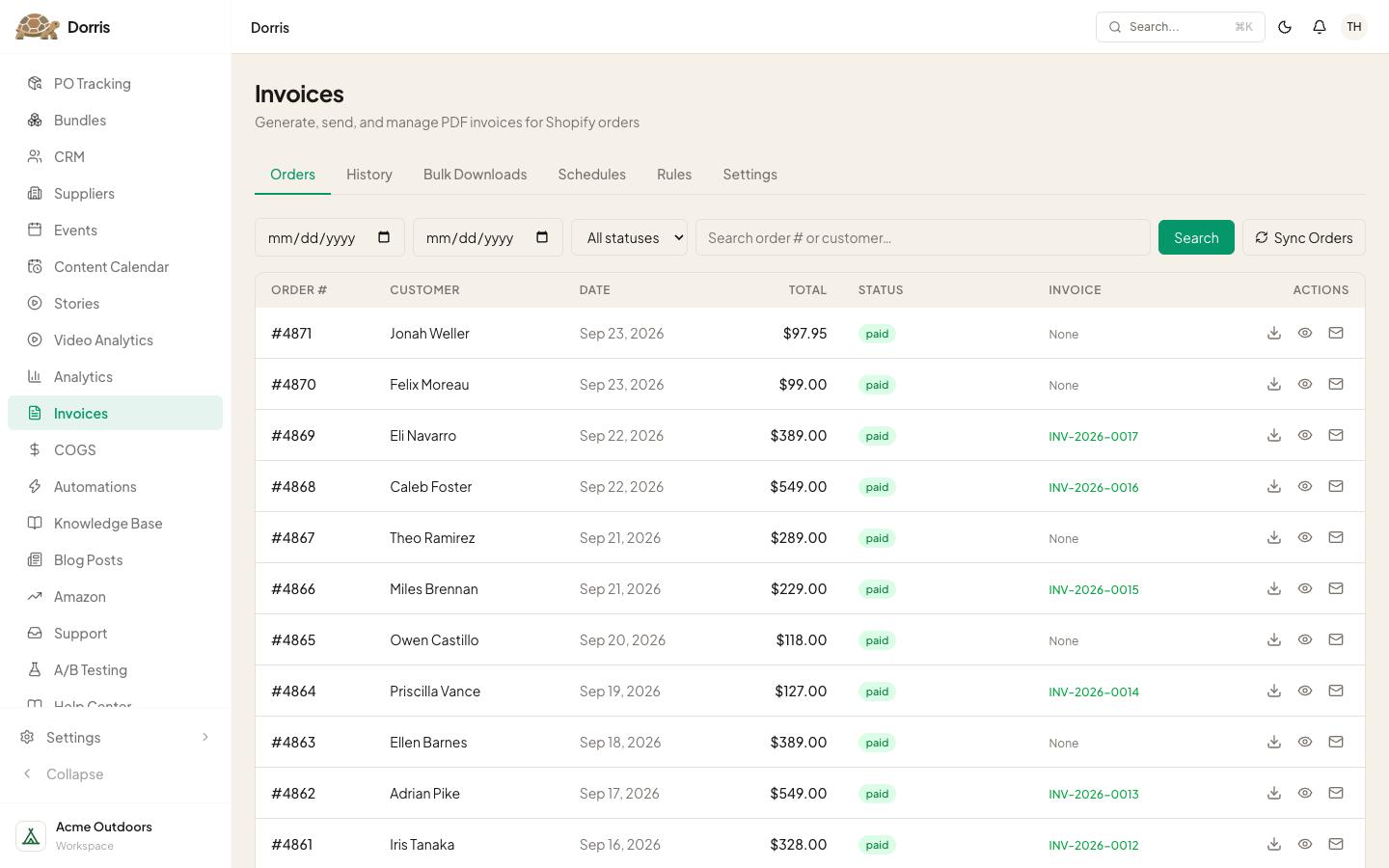
Invoices
Raised and sent from the same place as the order.
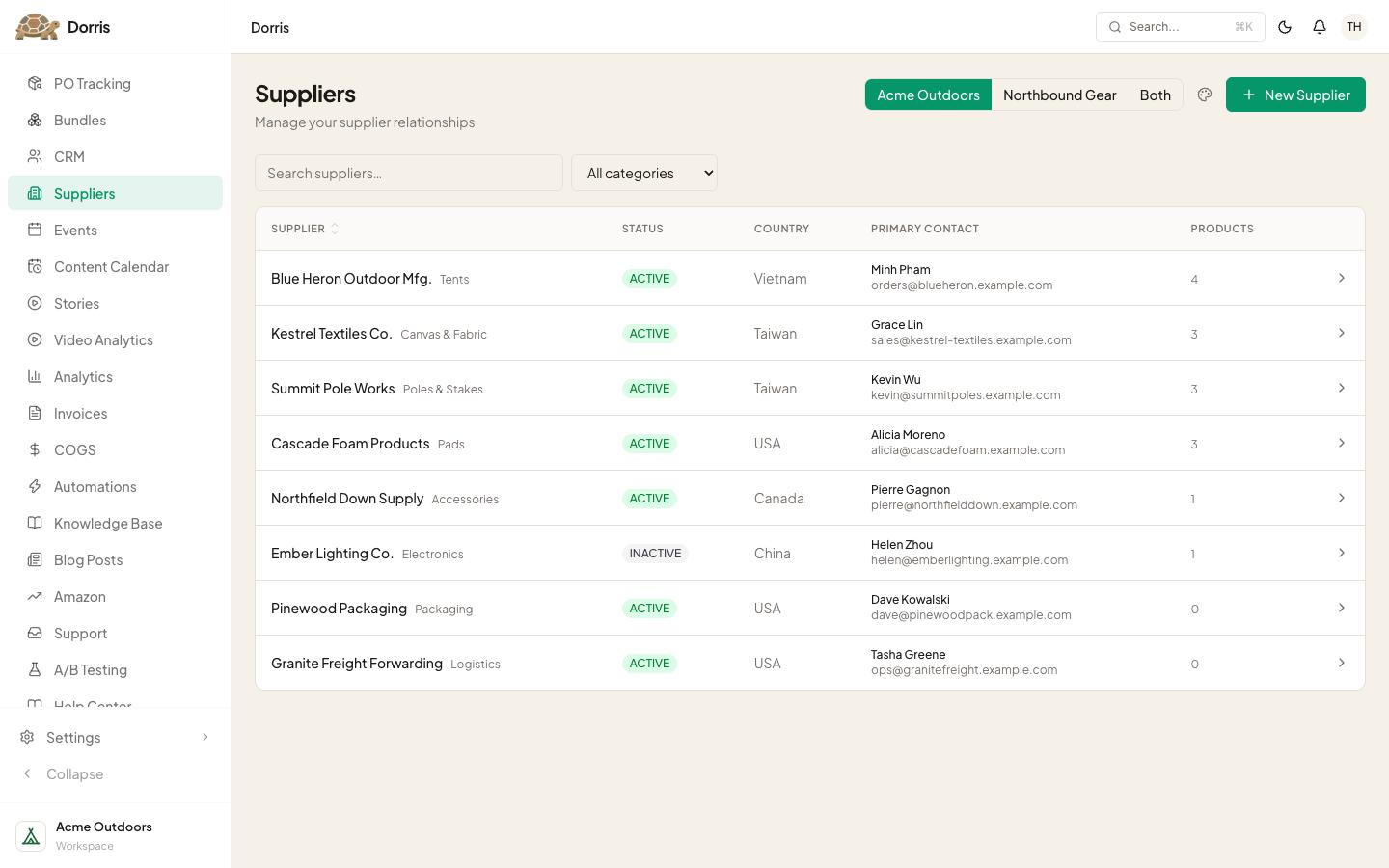
Suppliers
Who makes what, what they charge and how long they take.
Everything else in the sidebar
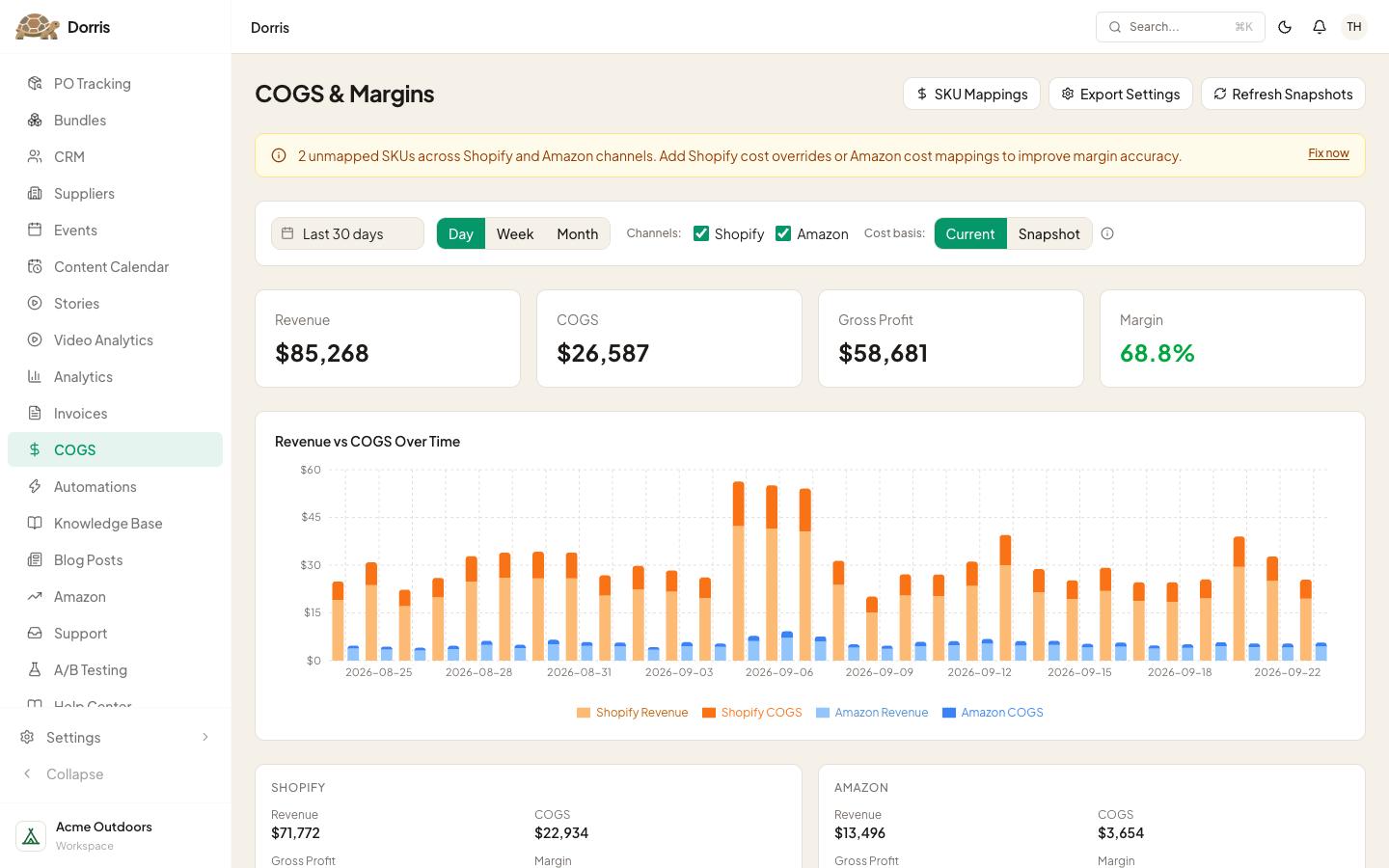
COGS
What each product really costs once it has landed.
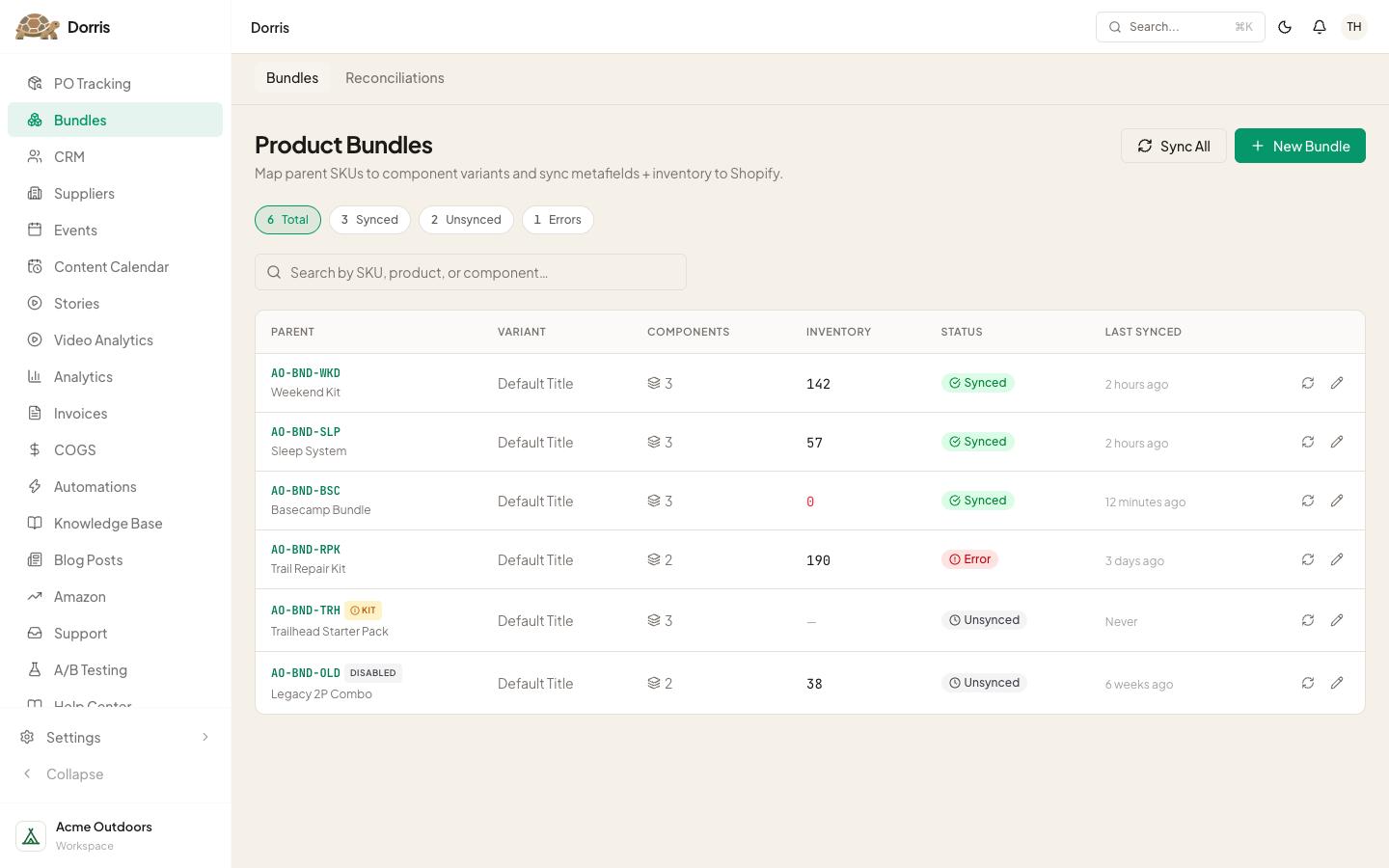
Bundles
Kits broken into their real line items, so stock stays honest.
Stories
Shoppable video on the storefront, run by us.
Video Analytics
Which of those videos people watch, and which ones lead to a cart.
Amazon
Amazon sales and stock, beside everything else.
A/B Testing
Trying two versions of something and keeping the winner.
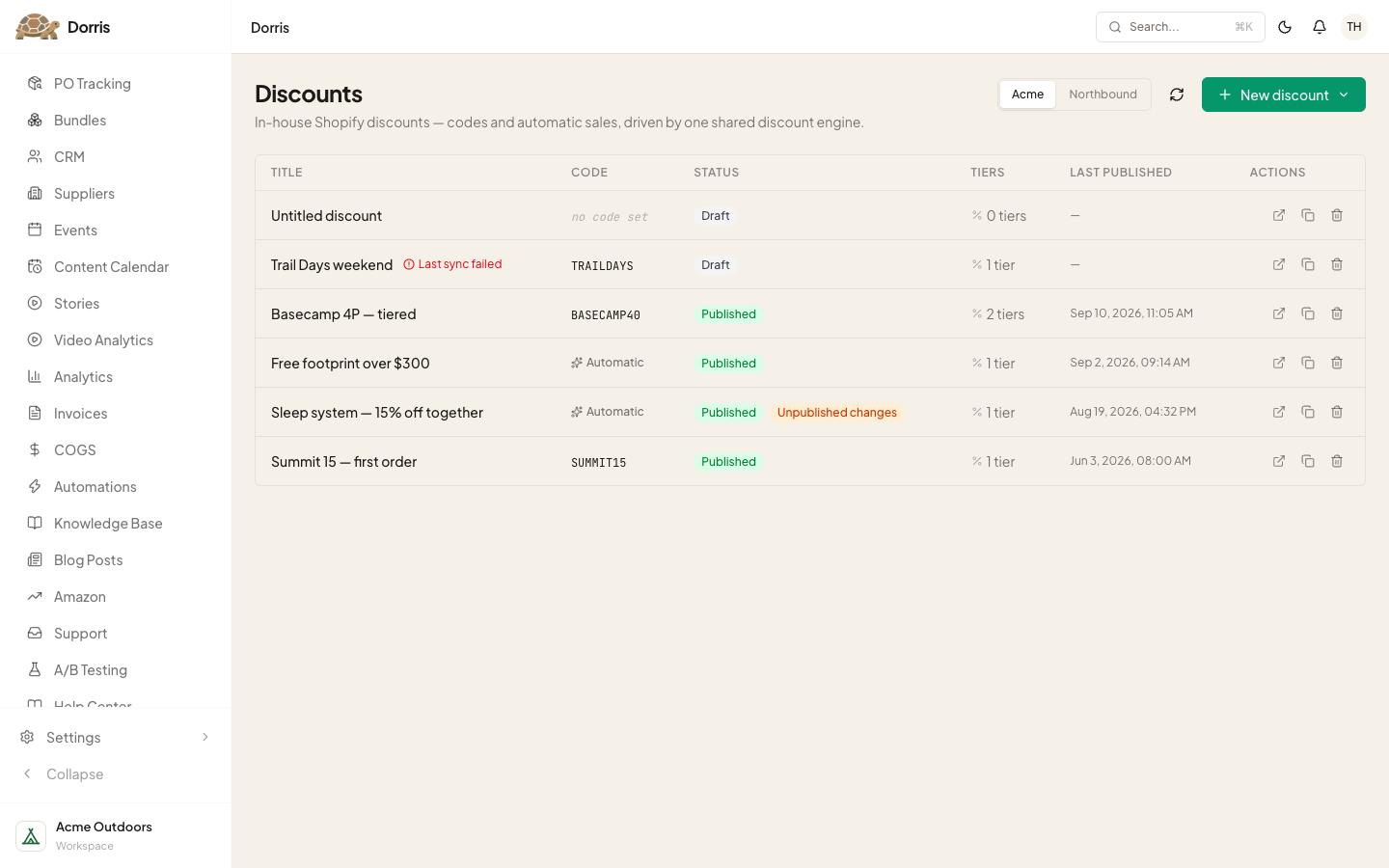
Discounts
The discount rules we actually wanted, not the ones Shopify could express.
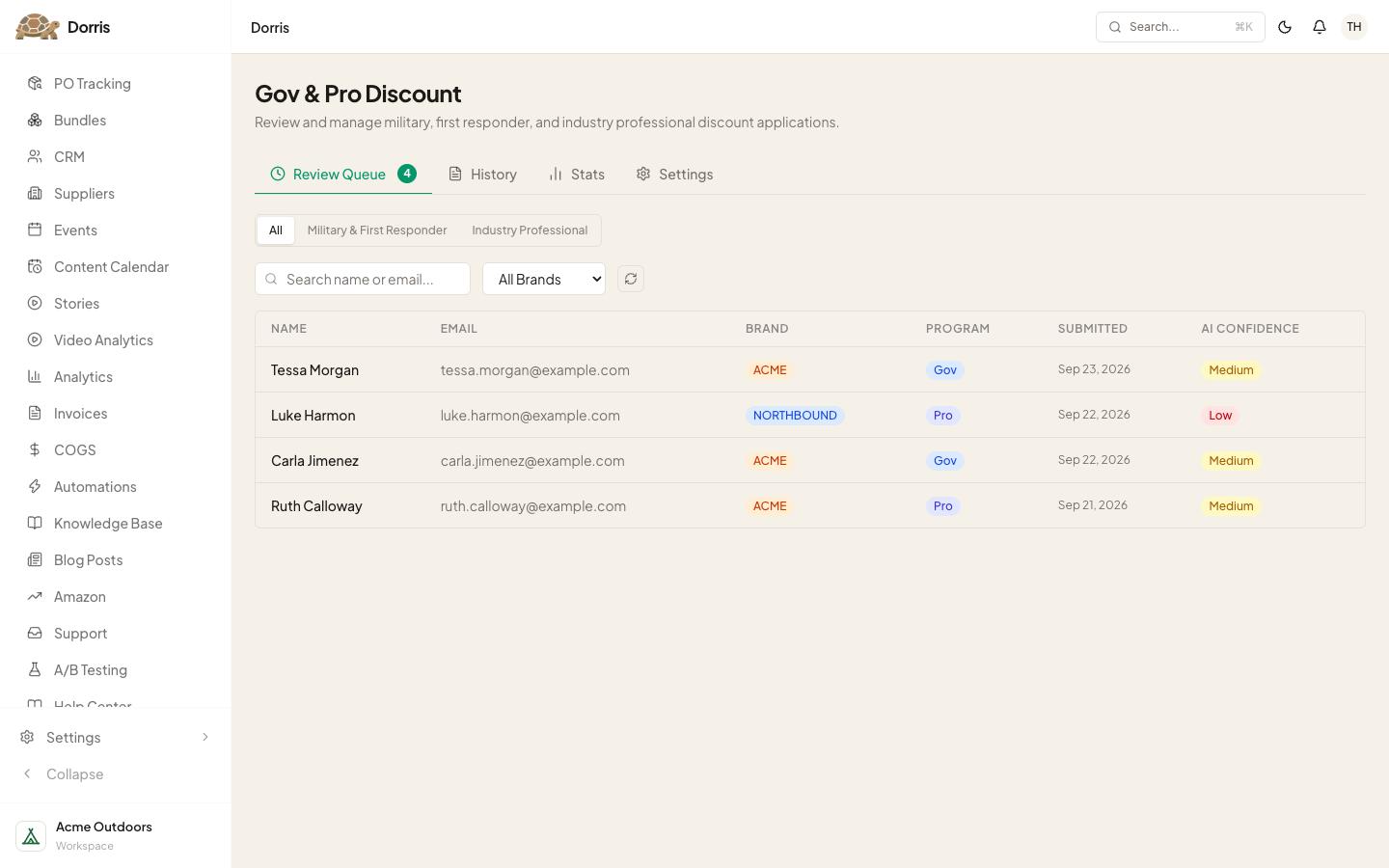
Gov & Pro Discount
Military, first responder and industry-pro discounts, reviewed before they're granted.
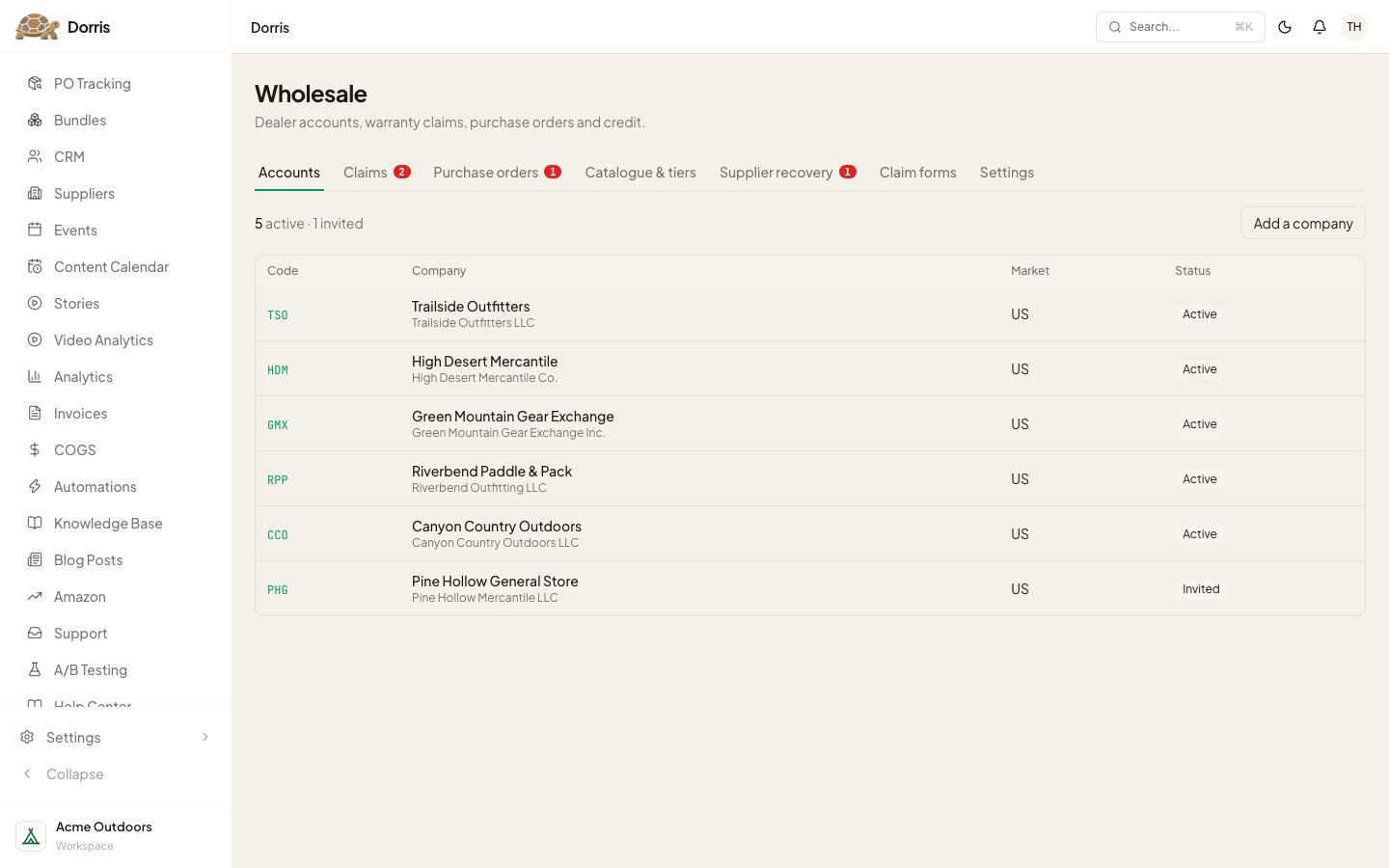
Wholesale
Trade customers ordering without emailing us.
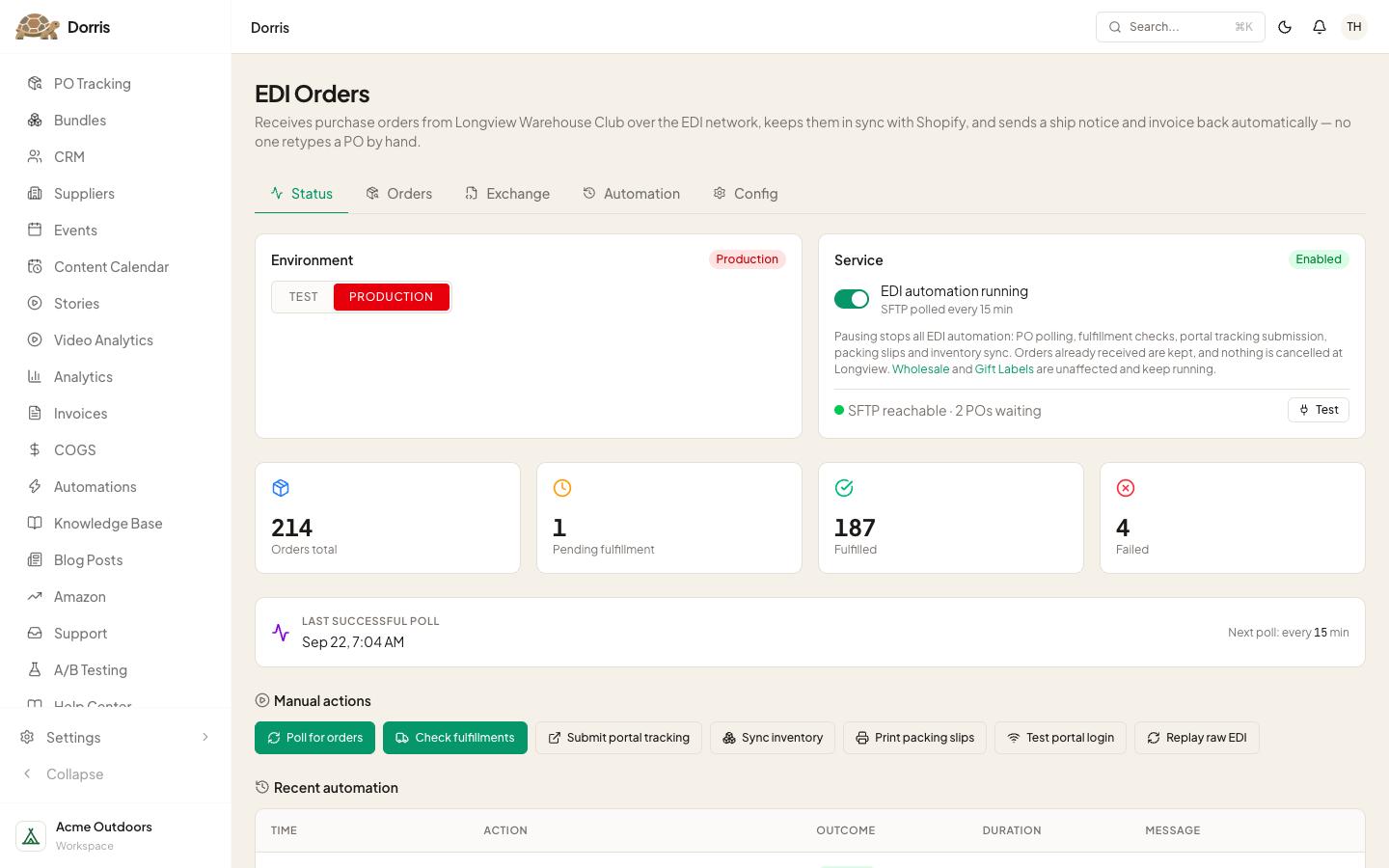
EDI Orders
Orders in from a big-box retailer, invoices out, nobody re-typing anything.
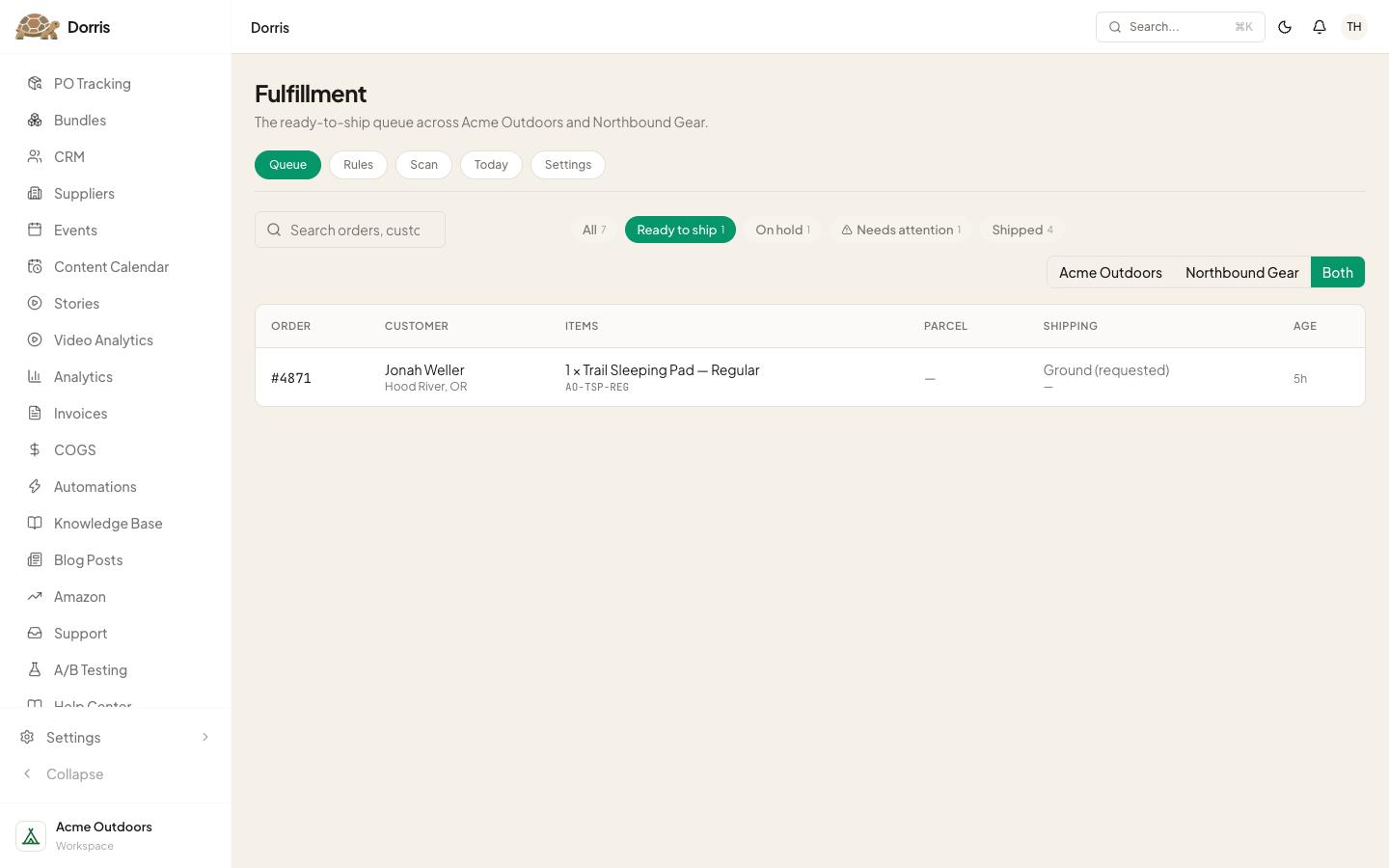
Fulfillment
The packing queue, a scan-to-pack bench, and the rules that pick the box and the service.
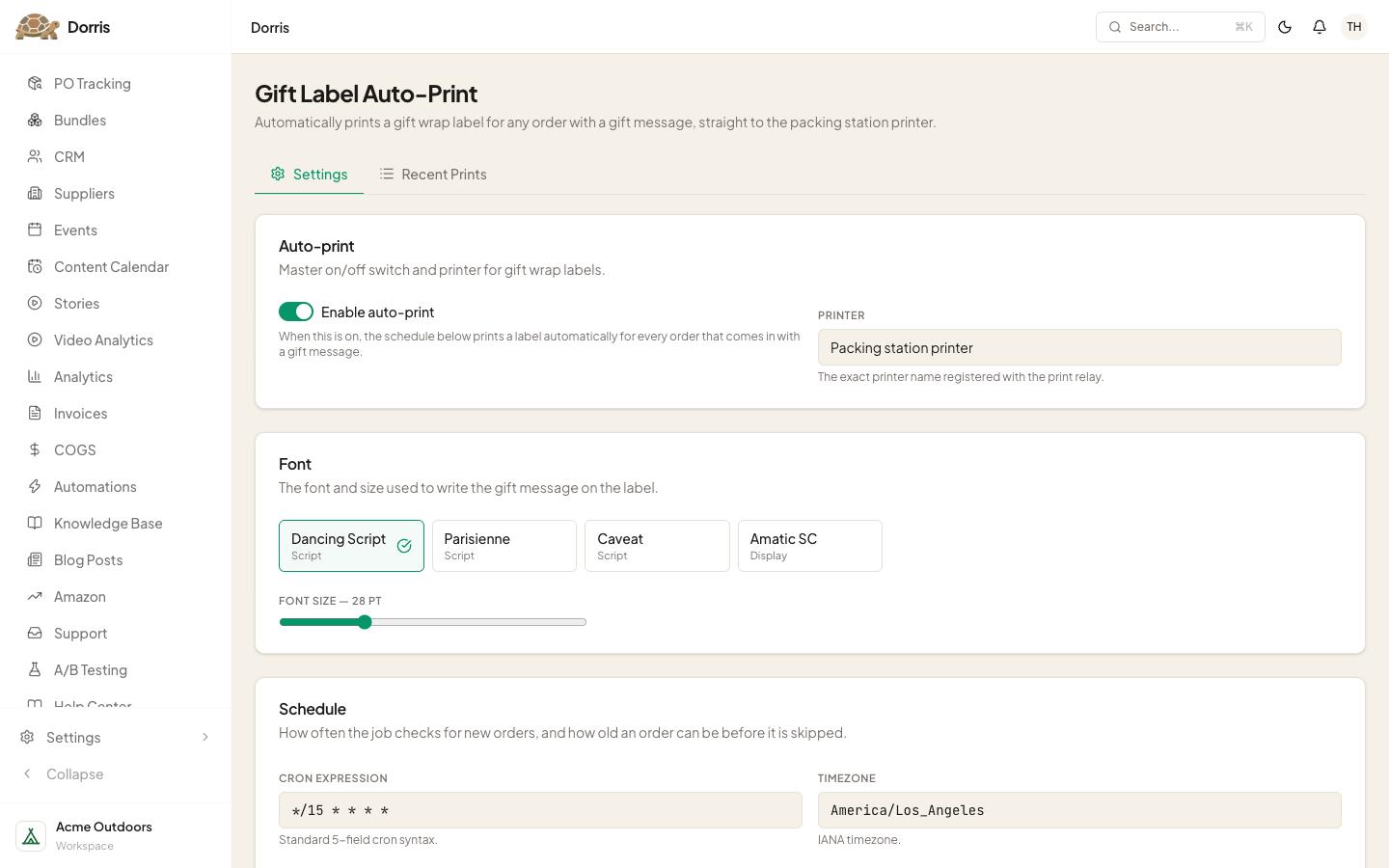
Gift Labels
Someone buys a gift, the label comes out. Nobody types it.
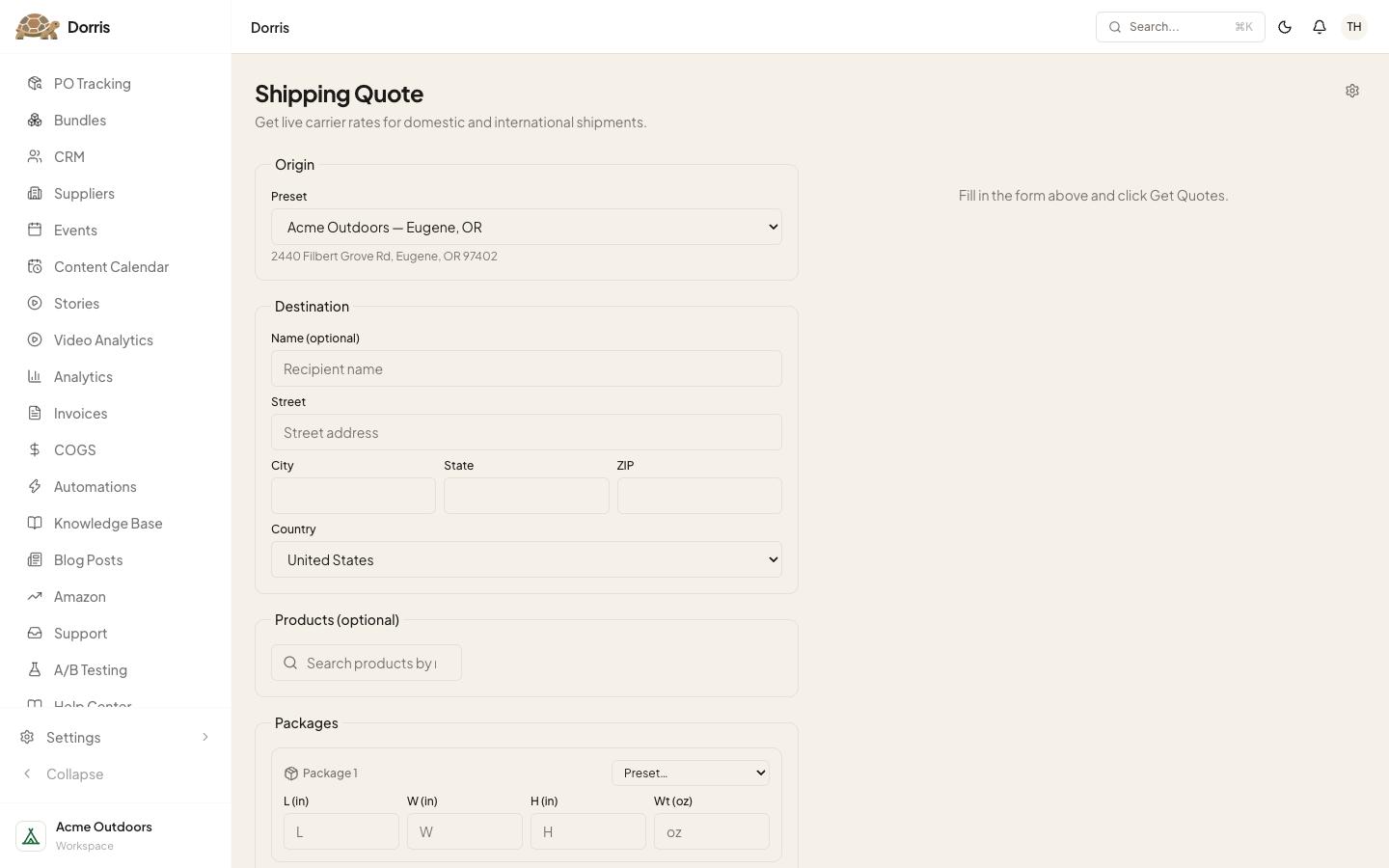
Shipping Quote
Carrier rates side by side, before anything ships.
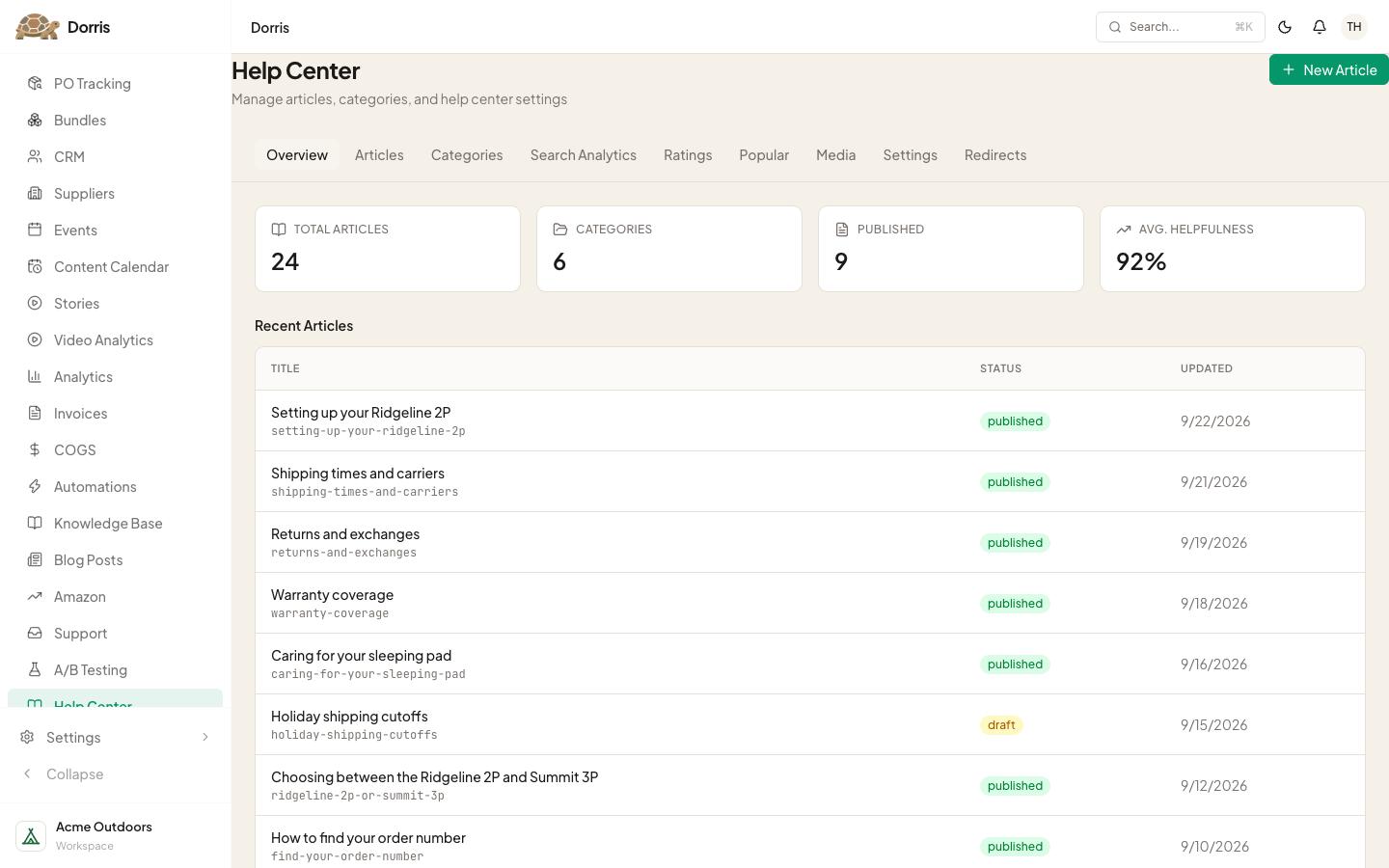
Help Center
Our own help center, written in our own words.
Knowledge Base
What the team knows, written down once.
Blog Posts
Posts on our storefront, without renting another app.
Content Calendar
What we're posting, where, and when.
CRM
Trade accounts and leads, from first contact to first order.
Events
Tickets and check-in for events.
Automations
The jobs that run on their own.
Settings
Who's on the team, and what each of them can see.
Want your own?
We build one for your store. Book a demo, free, 30 minutes. Rather build it yourself? The kit is $249, paid once, with a 14-day no-questions refund. The first lesson, Before you start, is free.